Reply with relationship context.
A reply to a familiar client should not sound like a first introduction. ToneBird uses available relationship context to guide the wording while the current conversation supplies the facts.
Download ToneBird AlexExample
The draft is ready for your review, Alex. Let me know what you think.
Familiarity changes the wording.
Both clients need to know the draft is ready. A familiar client can get a shorter answer; a new client may need an introduction. The project status stays the same.

A familiar client
Concise, direct, already in the conversation.
The draft is ready for your review, Alex. Let me know what you think.

A new client
More context, a little warmth, the same facts.
Hi Lucía, the project draft is ready for your review. Please let me know if you have any questions or feedback.
See the person behind the thread.
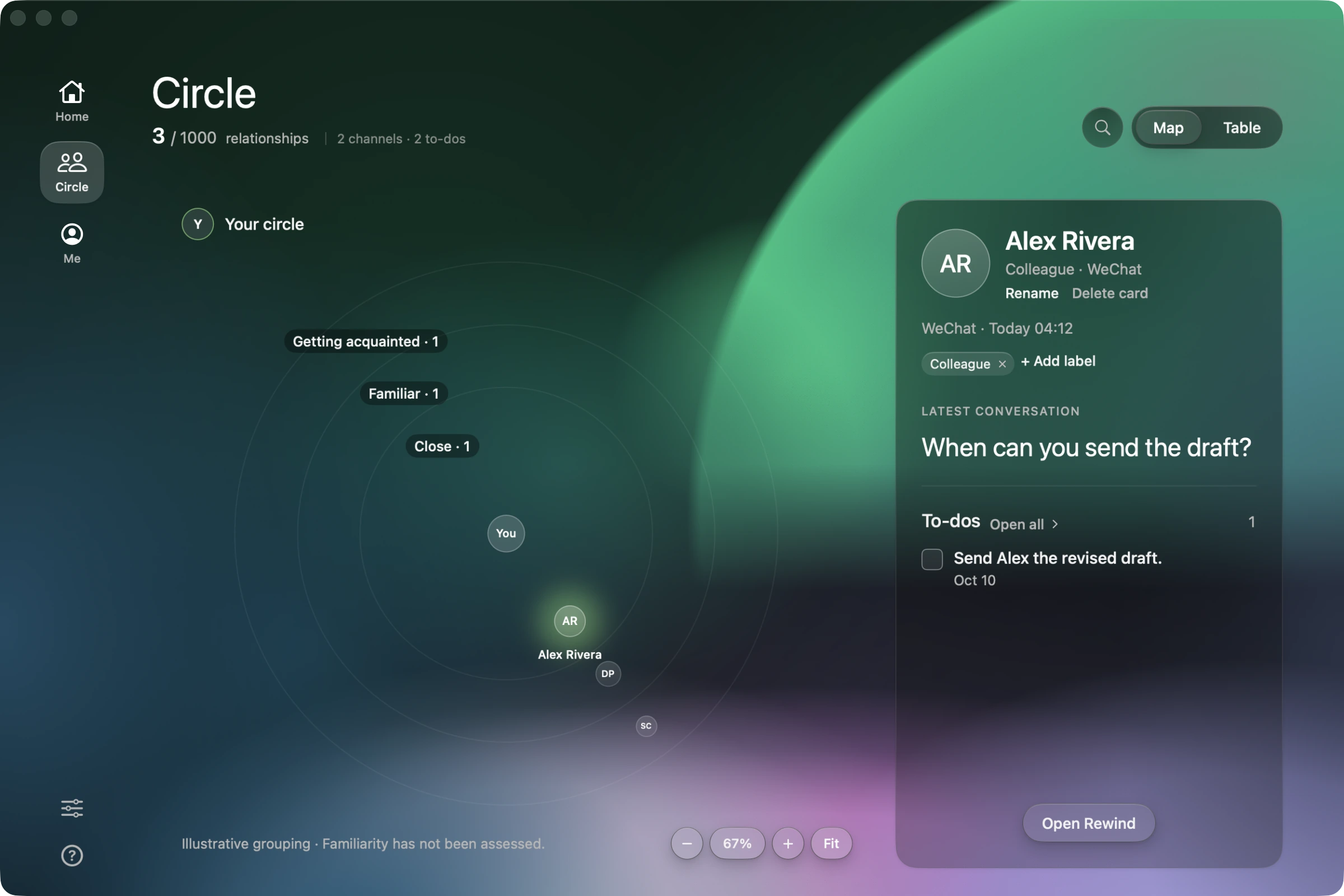
Open Circle and select a person to review their latest captured conversation and open tasks. Rewind brings the available history together. This helps you decide what to say; matched relationship context guides how the reply sounds.
From context to a reply you can send.
- Message
Check the person and the thread.
Review the available person context in Circle, then open the message you are answering. The relationship guides the wording; the visible thread supplies the current facts.
The draft is ready for your review, Alex. Let me know what you think.
Choose and adjust a draft.
Click the ToneBird bubble in a supported reply field. Compare how each draft addresses Alex. Use Tweak if the wording feels too formal or too familiar, without changing the project update.
The draft is ready for your review, Alex. Let me know what you think.
Insert, review, send.
Insert the wording into the reply box. Confirm that the draft is ready and that no unrelated reminder has been added, then send from your app.
Before you reply.
Does it remember every conversation across my apps?
No. Memory depends on supported learning, available data and a matched person. It is not a complete archive of every app. Keep the relevant conversation visible; unrelated past tasks should not be added to a reply.
Where is my context stored and processed?
Person cards and writing preferences are stored on your device. Generating a reply can send needed context to an AI provider. Review the privacy and data controls before connecting a channel.
Privacy & Data
Try it in your next conversation.
Free to start.