 ToneBird
AI replies with context and voice.
Explore how ToneBird uses conversation context, available relationship memory and your writing preferences to draft replies in supported email and chat apps.
Context aware replies
Keep the relevant conversation visible and tell ToneBird what you want to say. Compare three replies, then use Tweak to adjust the wording.
Insert puts the draft in your reply box. Check the facts and commitments, then send from your app.
 DavidExample
The core launch plan is on track for Friday. I can send the risk appendix on Monday so it does not hold up the plan.
Replies and open tasks.
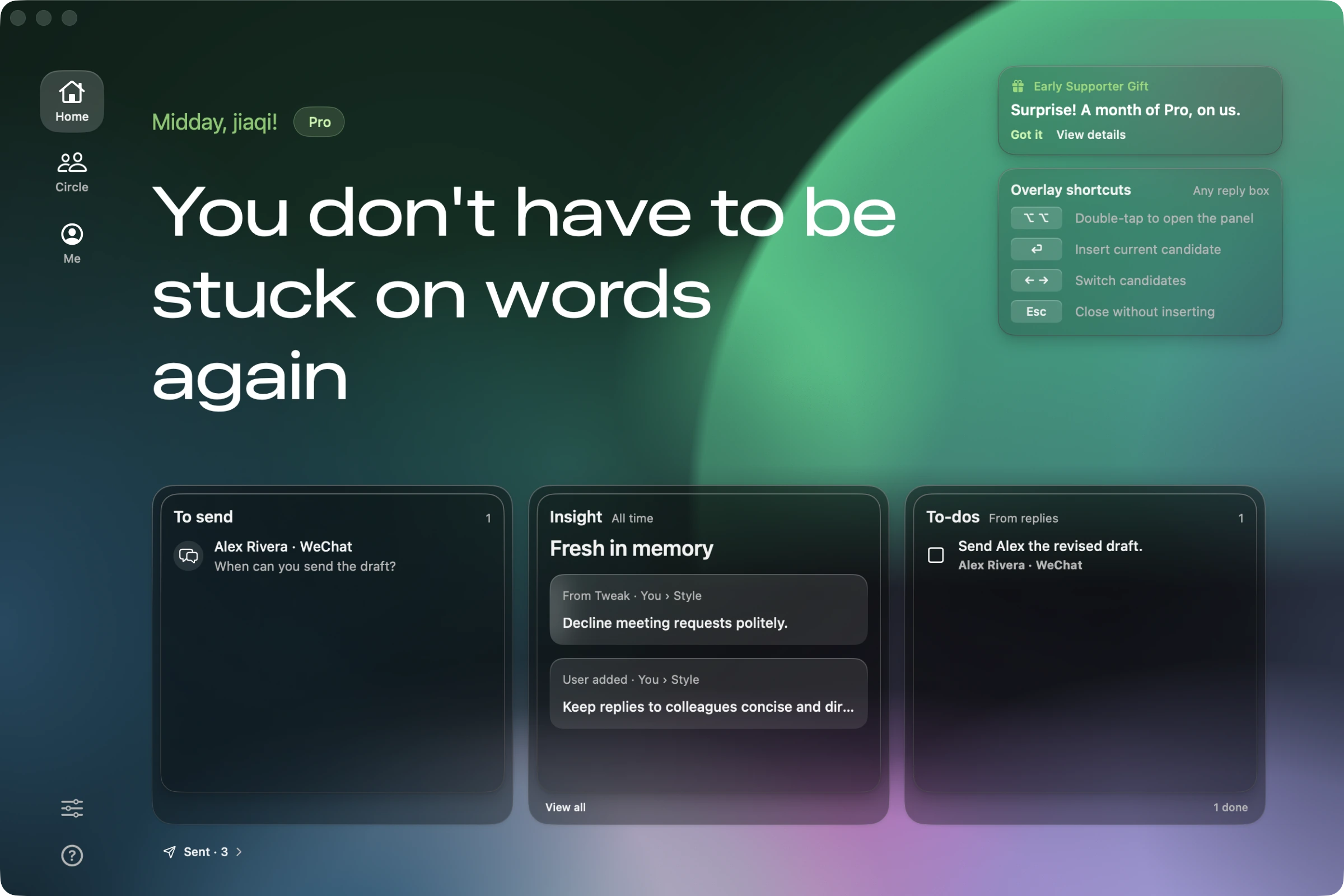
Home brings replies waiting to go out and open tasks into view. Pick the conversation that needs your attention; recent learning appears alongside it so you can see what has changed.
Personalized tone
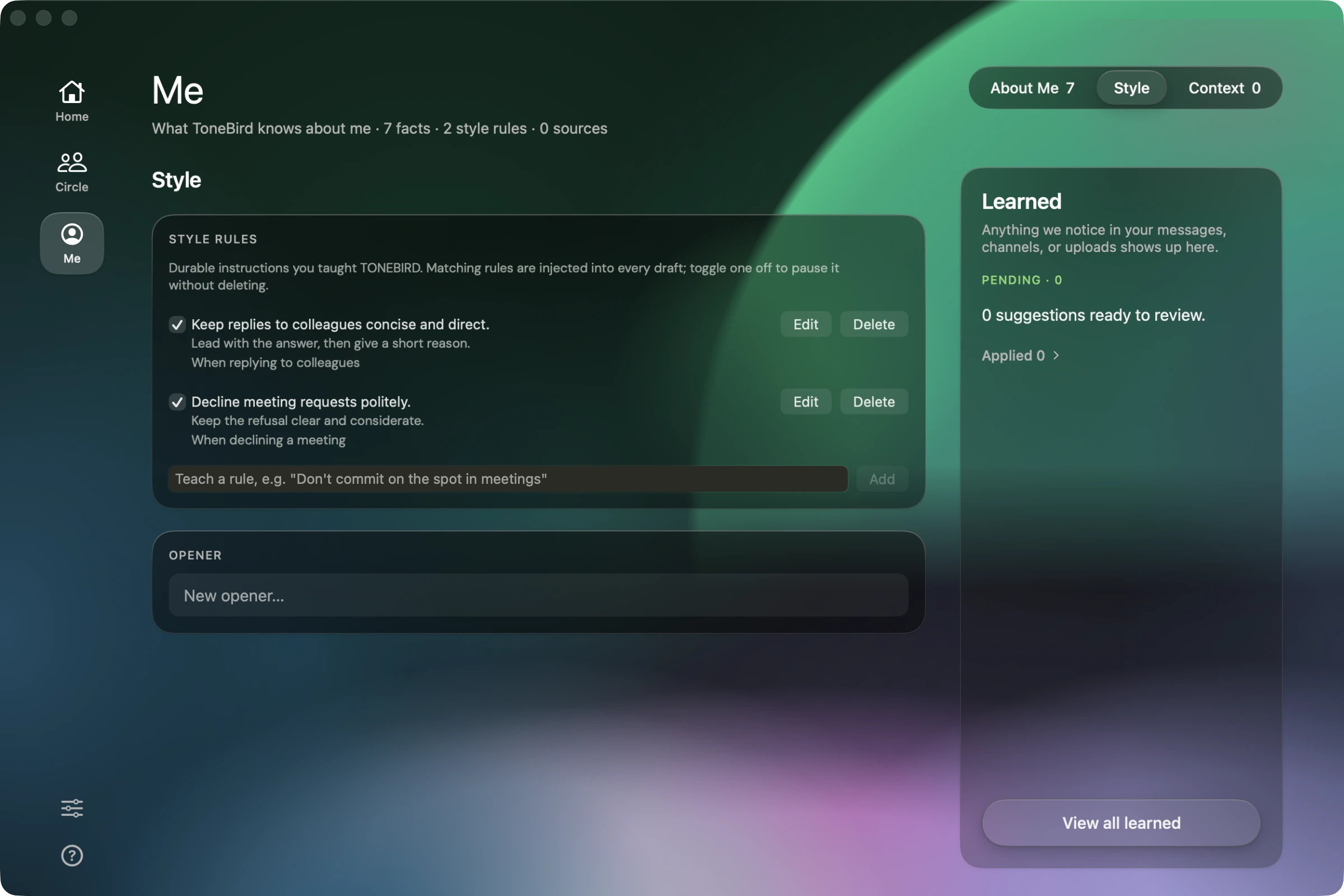
In Me, set the wording rules and openers you want to reuse. Review suggested changes before applying them, so a preference becomes part of future drafts only when you accept it.
Relationship memory
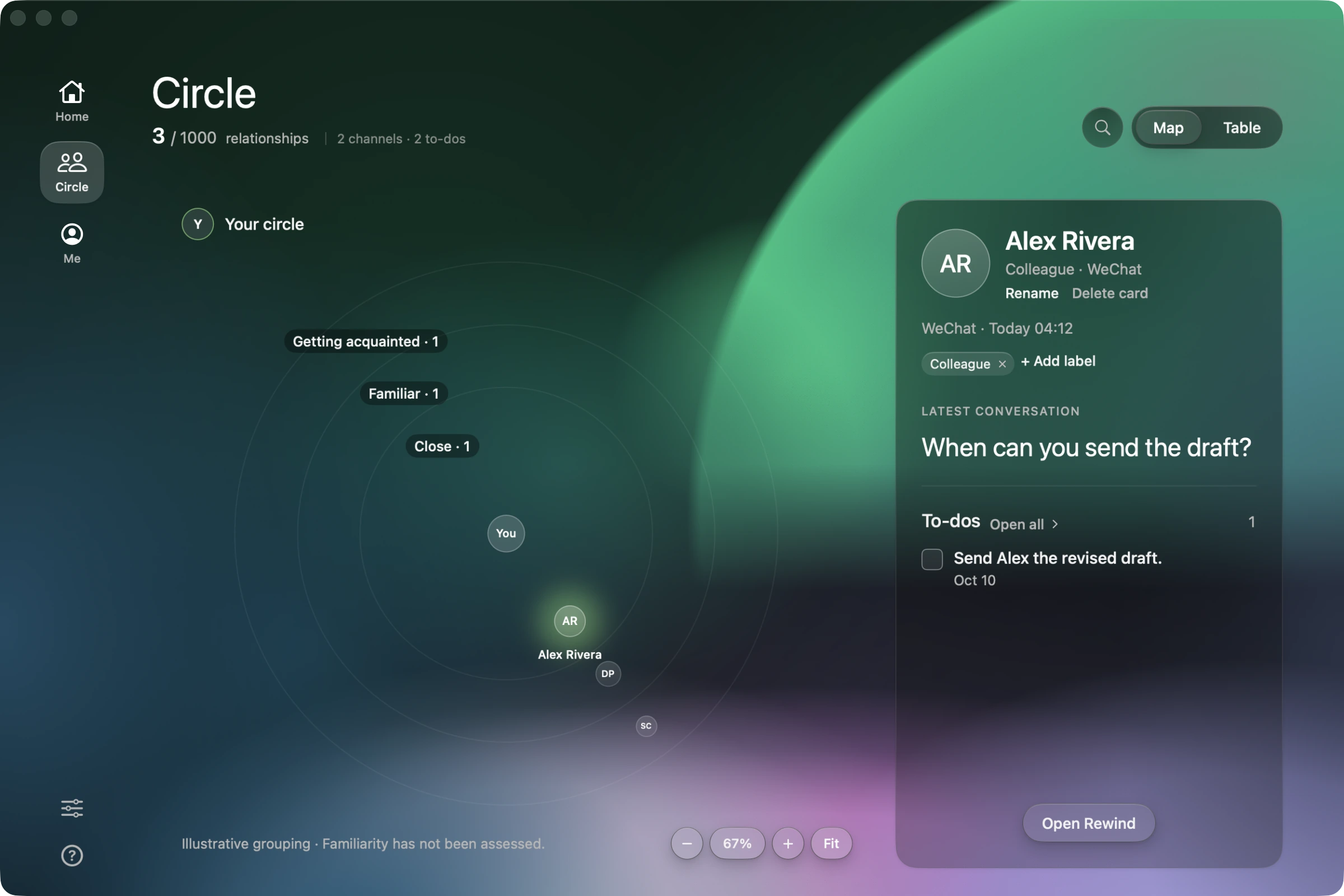
In Circle, select a person to see the latest captured conversation and open tasks. Open Rewind for the available history, then return to the current thread with a clearer view of the relationship.
Knowledge grounded replies
In Me, open Context to paste a note or import a text document. ToneBird can use relevant saved details in a reply. Check prices and terms against their source before sending.
Relevant context
- Connected document
- Client proposal
- Package
- Full package · $2,400
- Conversation
- Client asked to confirm pricing.
“The $2,400 for the full package works for me.”
Include the agreed price.
The proposal gives the package price as $2,400. Use that detail in the draft, then check it against the source before sending.